
Skip to content

Online Store Management Features

Chat, orders, stock, live selling, storefront and marketing, all in one system. Pick a topic from the menu.

Free on every plan

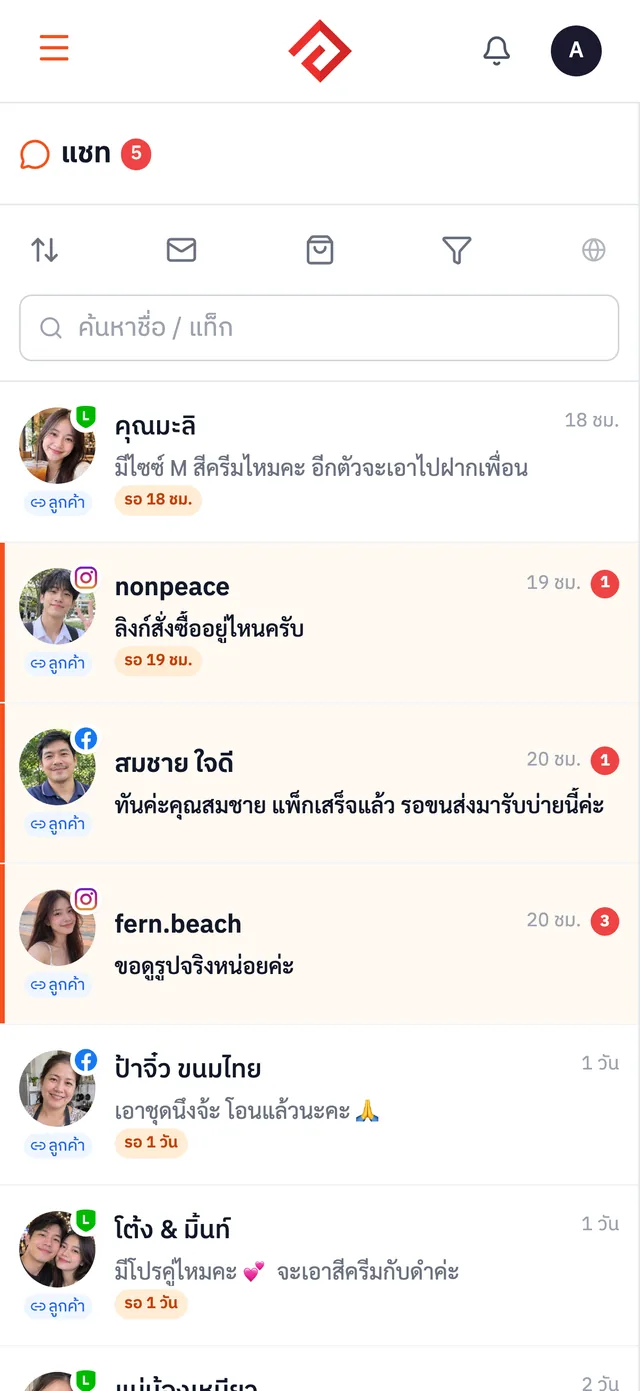
All-in-One Chat Inbox

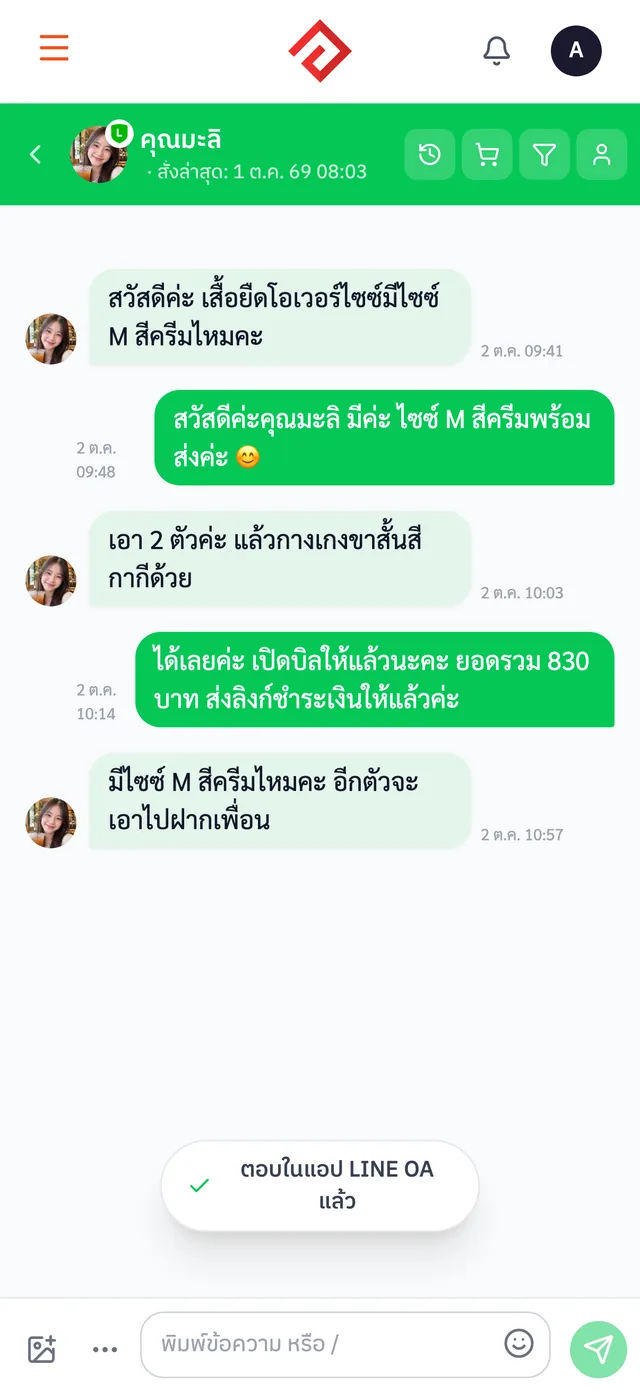
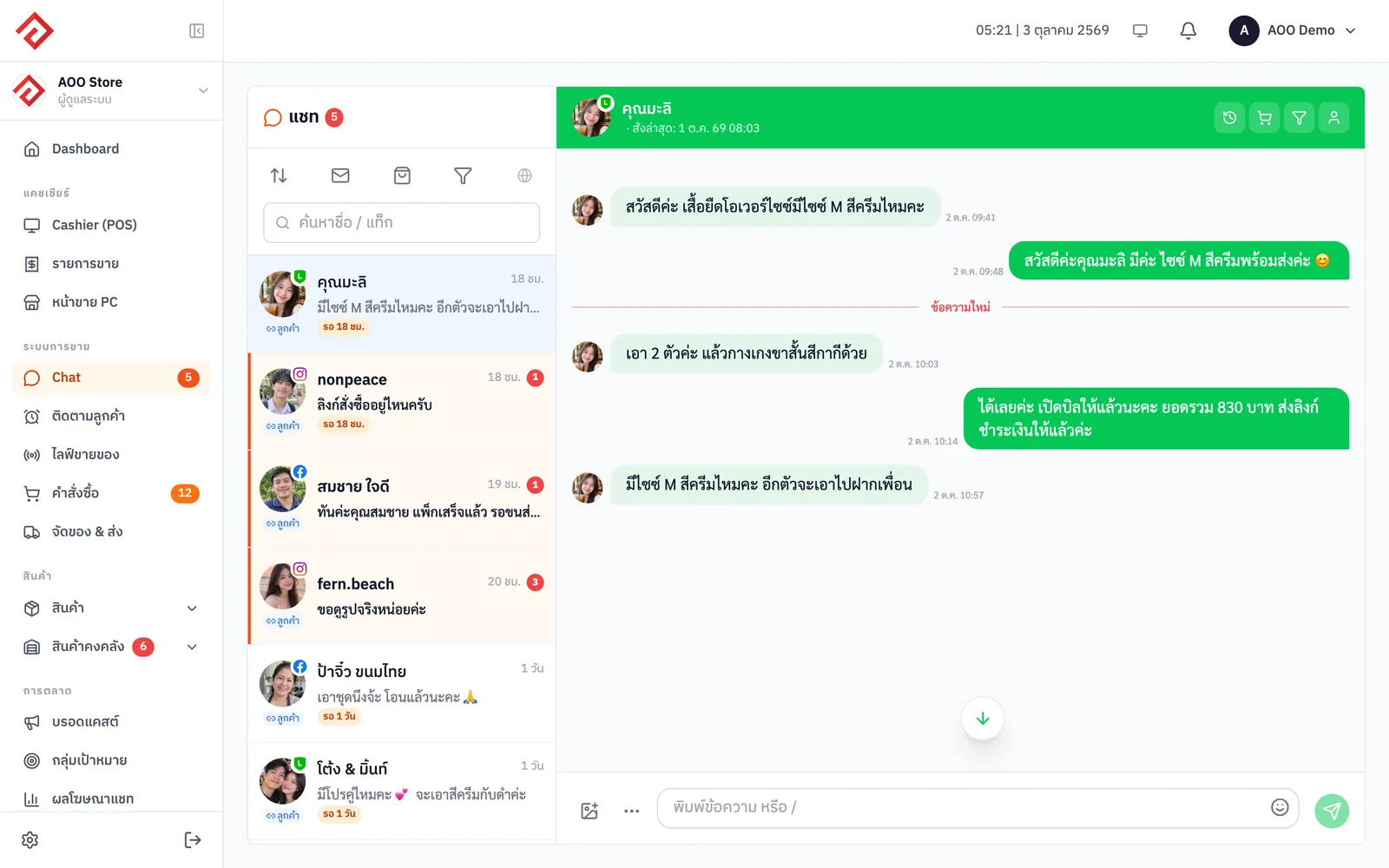
LINE · Facebook · IG · Shopee · Lazada · TikTok — reply from one screen while your whole team sees every conversation.

  • Messages from LINE OA · Facebook · Instagram · Shopee · Lazada · TikTok Shop in one inbox
  • See customer details next to the chat: total spend, customer tier, latest order
  • Saved replies shared by the whole team
  • Follow up with customers who haven't bought yet so none slip away (from Merchant)
More about All-in-One Chat Inbox
AooCommerce's unified chat inbox with an open conversation
Free on every plan

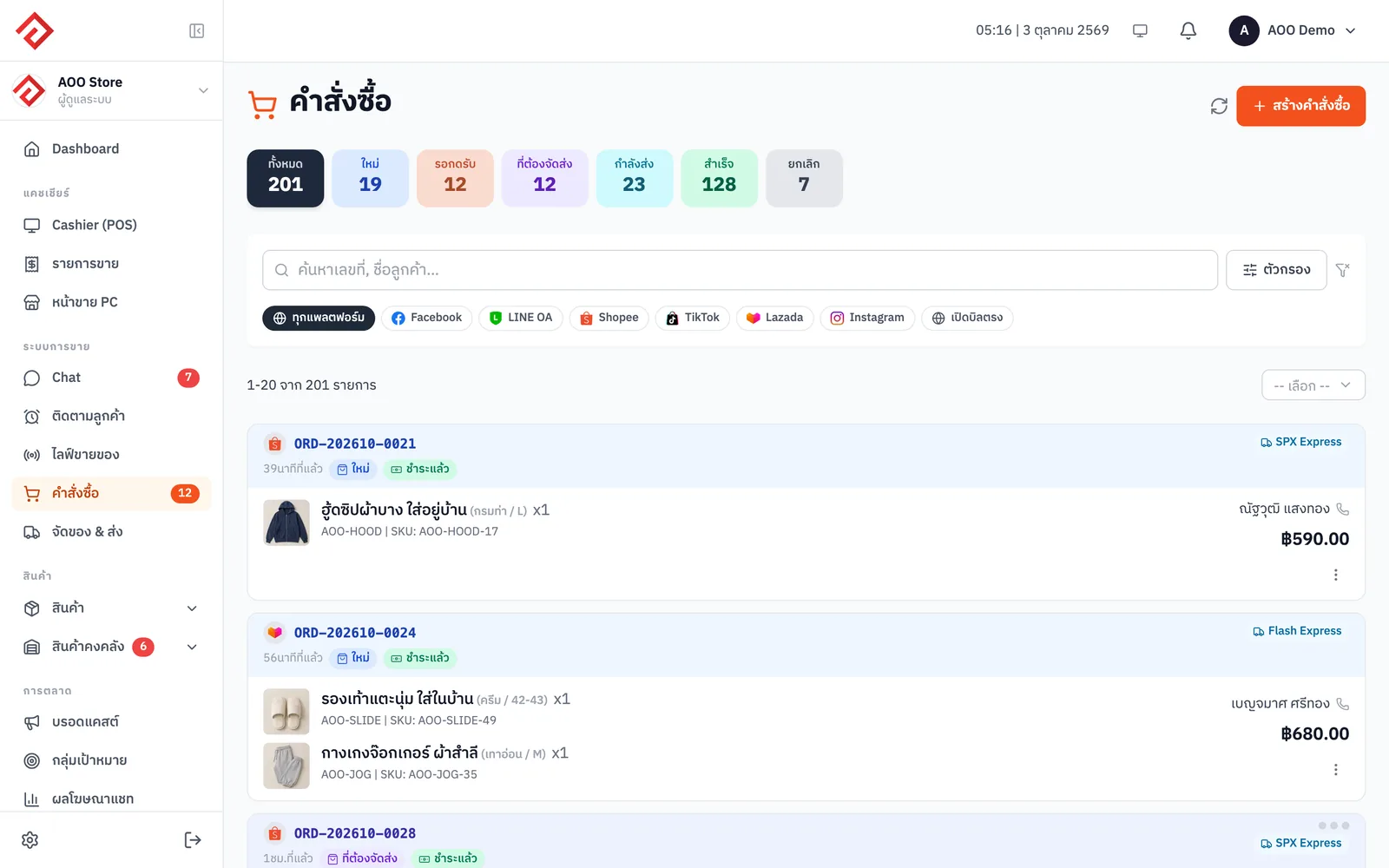
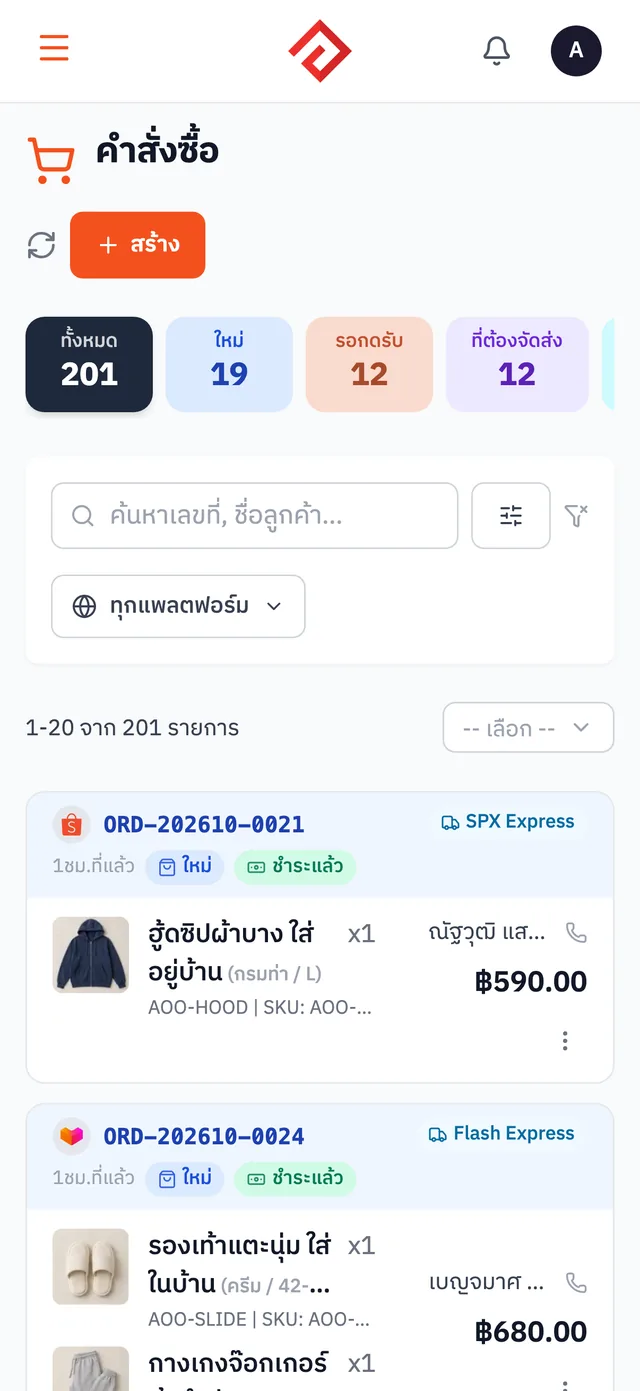
Order Management

Orders from every marketplace come in automatically. Print a whole day's shipping labels in one go.

  • Orders from Shopee · Lazada · TikTok Shop come into the system automatically
  • Create an order right from the chat, no handwritten notes
  • Statuses split into new · to review · to ship, so you see pending work on one page
  • Print a whole day's shipping labels in one go
More about Order Management
AooCommerce's order list
From the Merchant plan

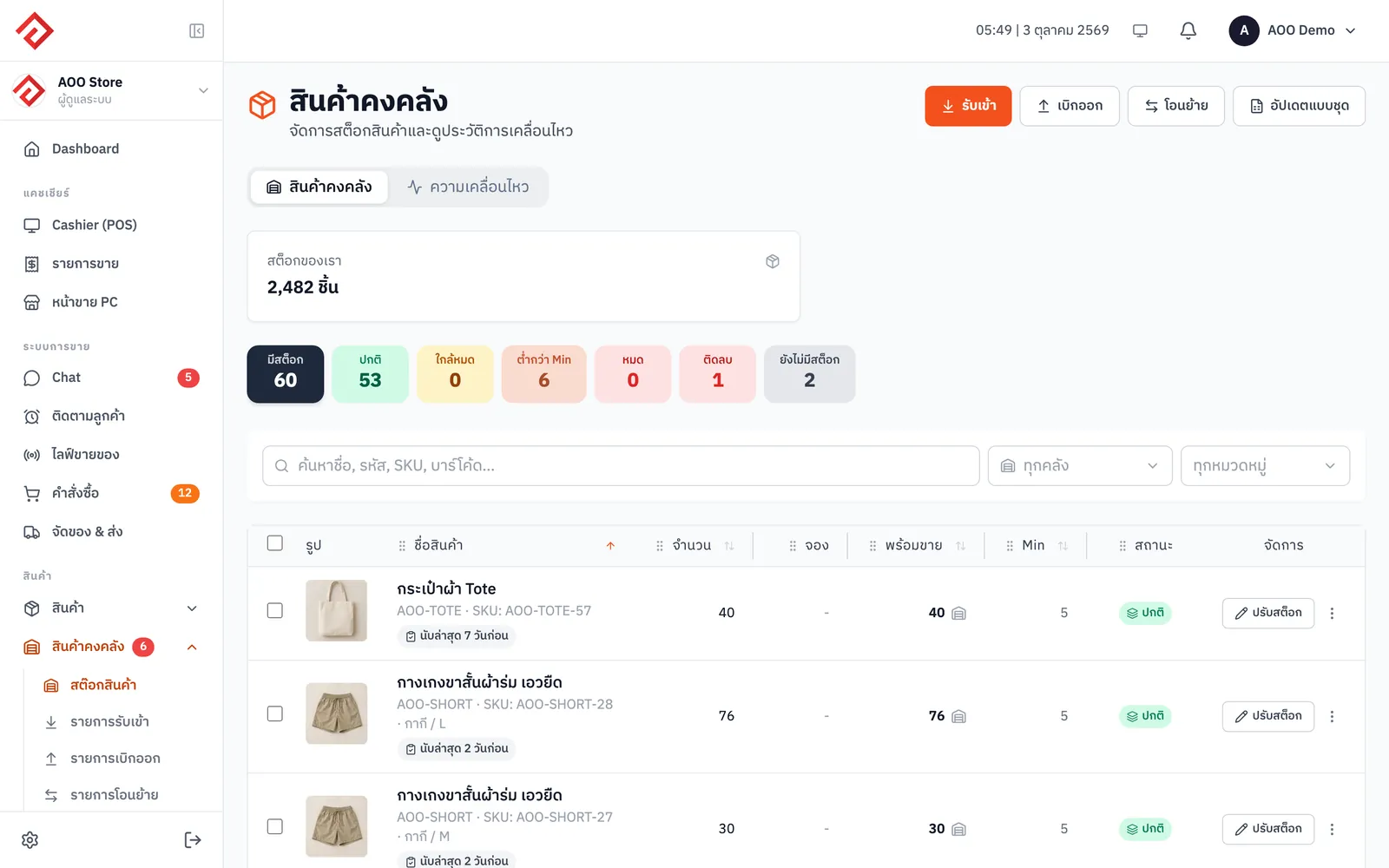
Inventory Management

Sell anywhere and stock is deducted across every channel. No more overselling.

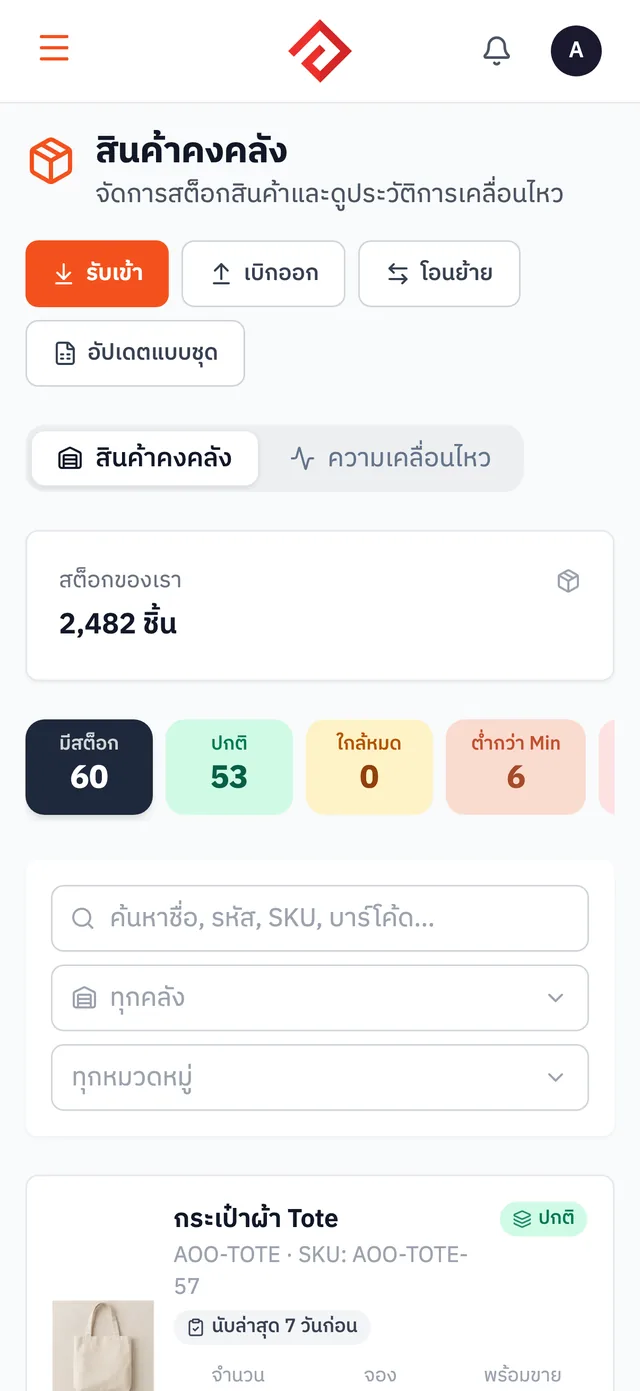
  • One central stock pool: sell on any channel, deduct in one place, no overselling
  • Receive · issue · transfer, with a history of every movement
  • Set minimum quantities and see right away which items are running low
  • Run stock counts and adjust the numbers in the system
More about Inventory Management
AooCommerce's inventory page
From the Blacksmith plan

Live Selling with CF Orders

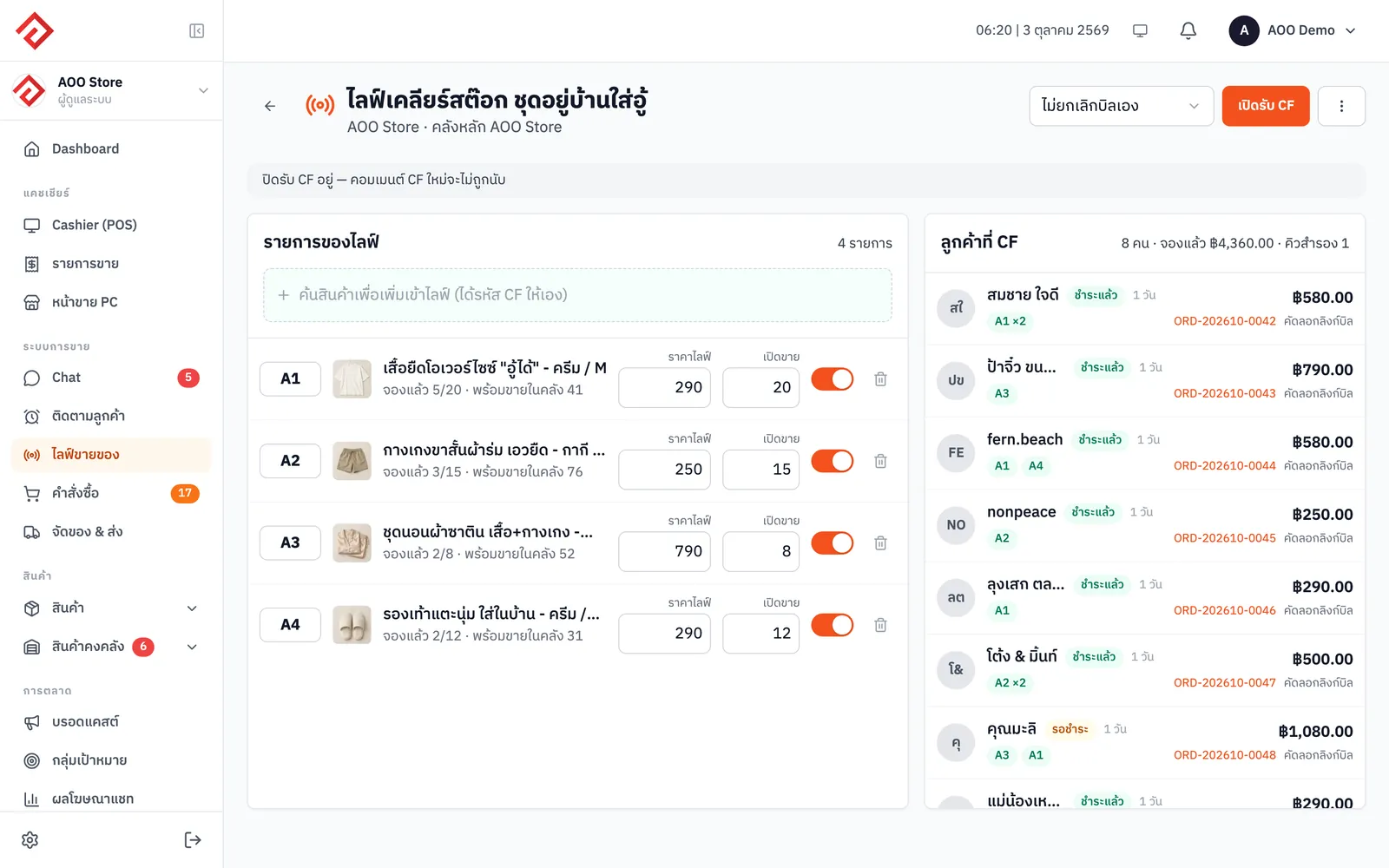
Go live on Facebook or Instagram. When customers comment “CF” (confirm), the system opens the order and deducts stock for you.

  • Go live on Facebook or Instagram; customers comment CF + product code and the system picks it up
  • Opens a bill for each customer and reserves the stock
  • When an item sells out, a backup queue is created automatically
  • See reservations and the list of people who CF'd during the live
More about Live Selling with CF Orders
Live selling page: products in the live and customers who commented CF
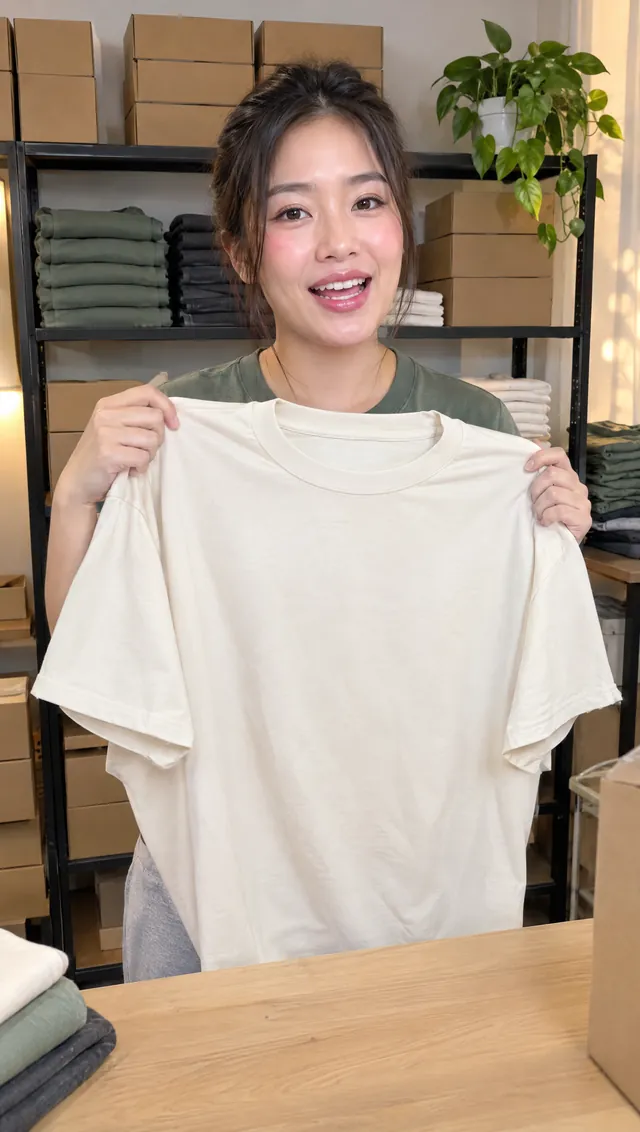
แม่ค้ากำลังไลฟ์ขายเสื้อยืด
LIVE👁 1.2KFacebookAOO Store
  • fern.beach สีเขียวมีไซซ์ L ไหมคะ

  • คุณมะลิ CF A1 ครีม M x2

    ✓ เปิดบิล
  • แม่น้องเหมียว CF A1 ดำ L

    ✓ เปิดบิล
  • ป้าจิ๋ว ขนมไทย CF A1 ครีม XL

    ✓ เปิดบิล

A1 · เสื้อยืดโอเวอร์ไซซ์

฿290 · พิมพ์ CF A1 สี ไซซ์

CF แล้ว
18
Free on every plan

Online Storefront

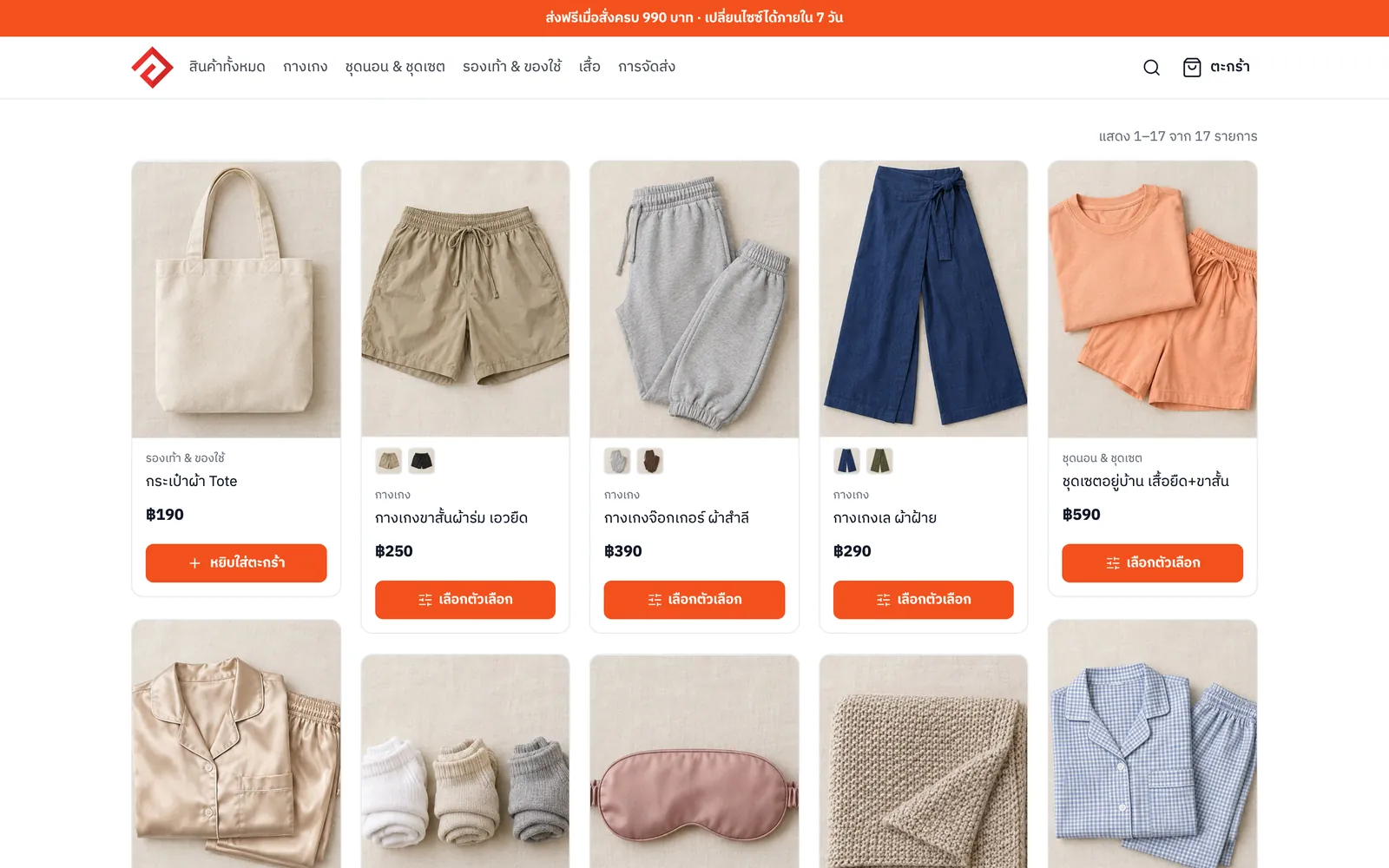
Launch your own shop website with a cart. Customers order on their own and orders land in the same system.

  • Your own shop website with a cart, where customers order on their own
  • Products come from the same system, and stock is deducted for you when they sell (from Merchant)
  • Storefront orders land in the same system as your other channels
  • SEO settings so you can be found on Google
More about Online Storefront
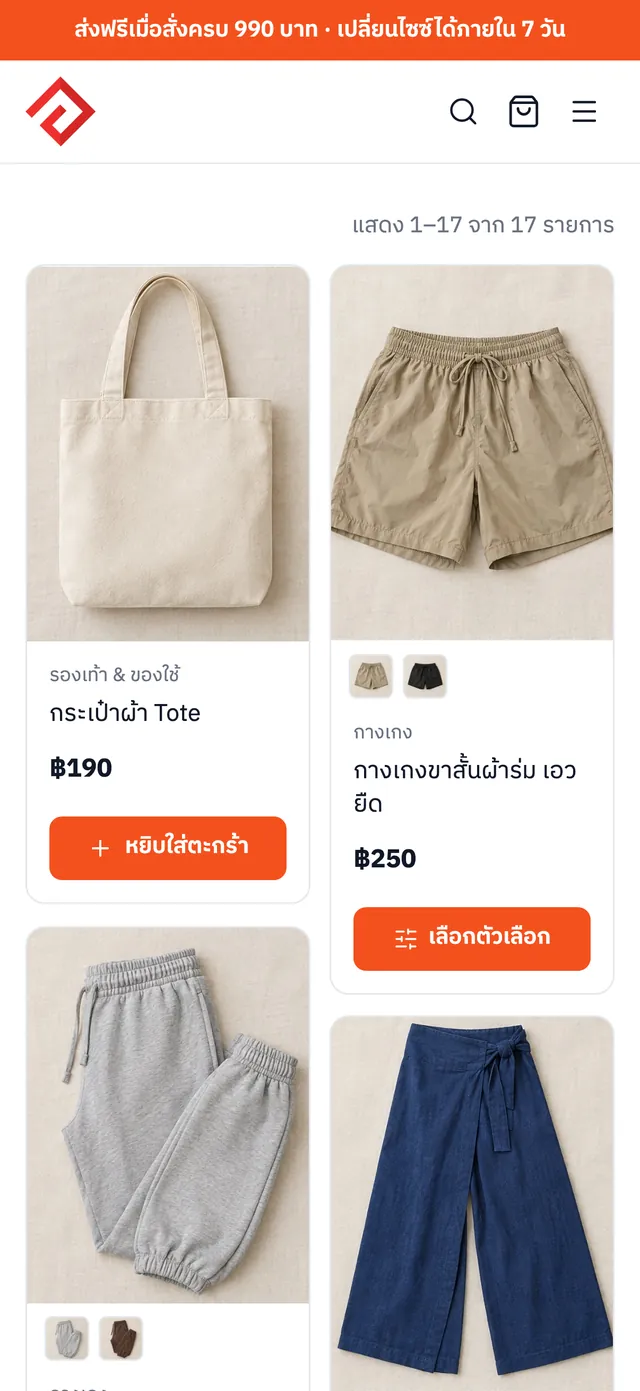
Online storefront of the AOO Store shop
From the Merchant plan

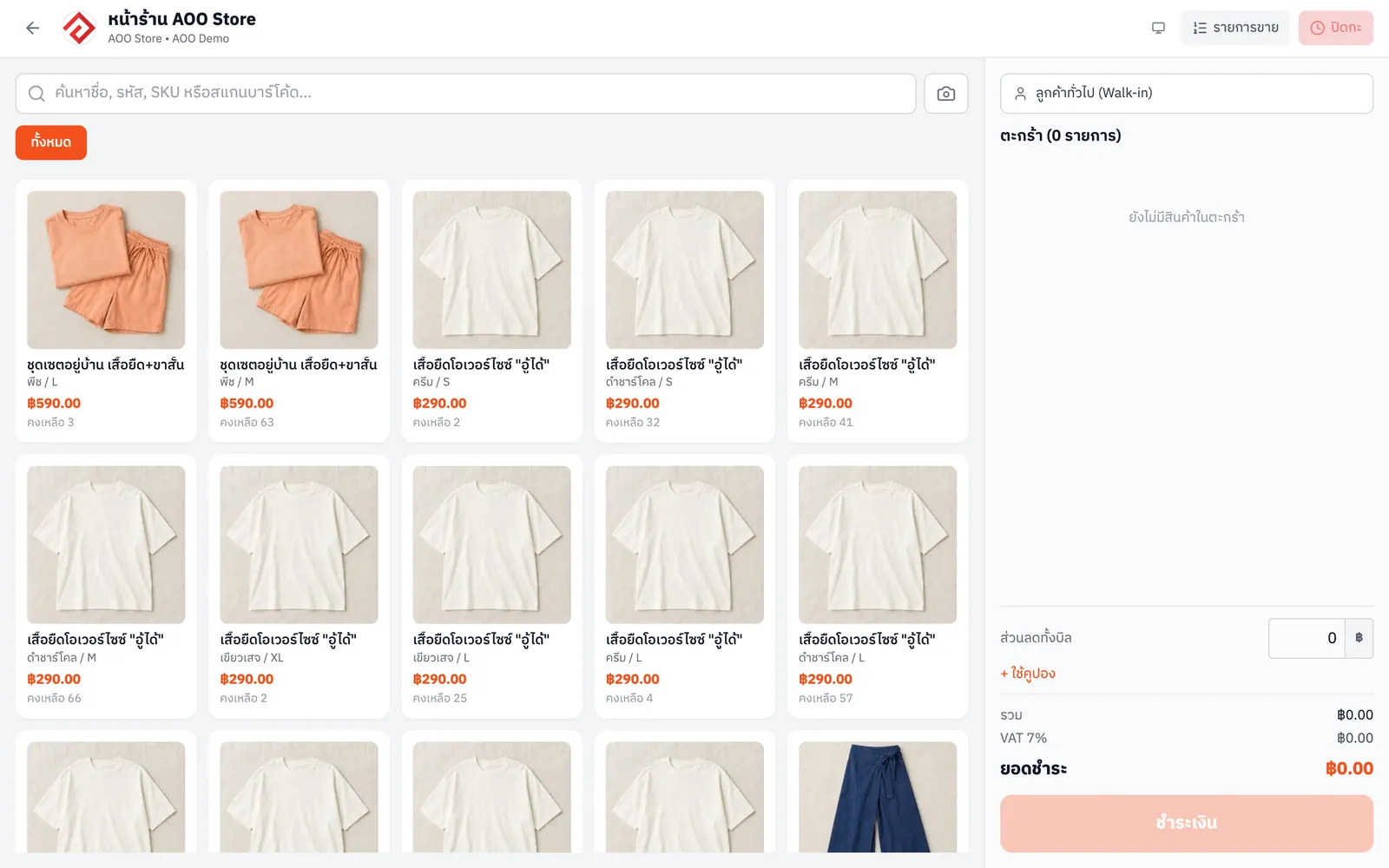
In-Store POS

Your physical store and online channels share one stock pool, so there's nothing to count twice.

  • Sell in-store on a computer or tablet
  • Uses the same stock as online, no separate counting
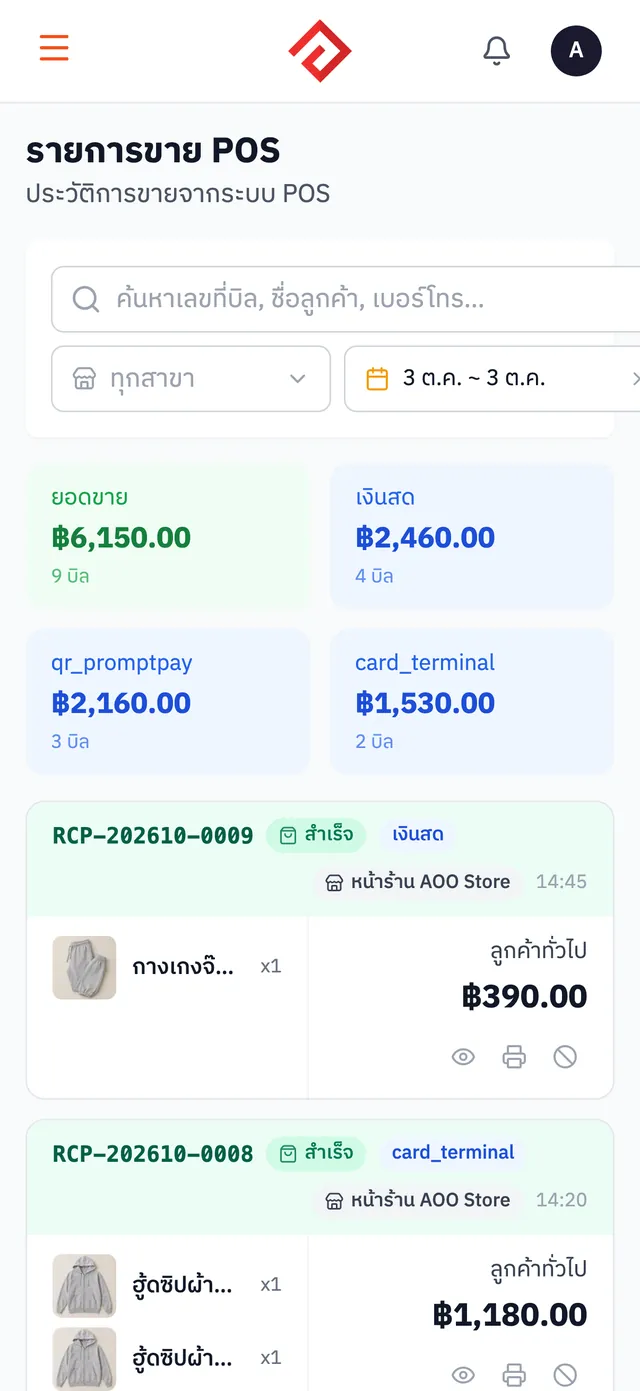
  • View in-store sales separately
More about In-Store POS
AooCommerce's POS sales screen
Free on every plan

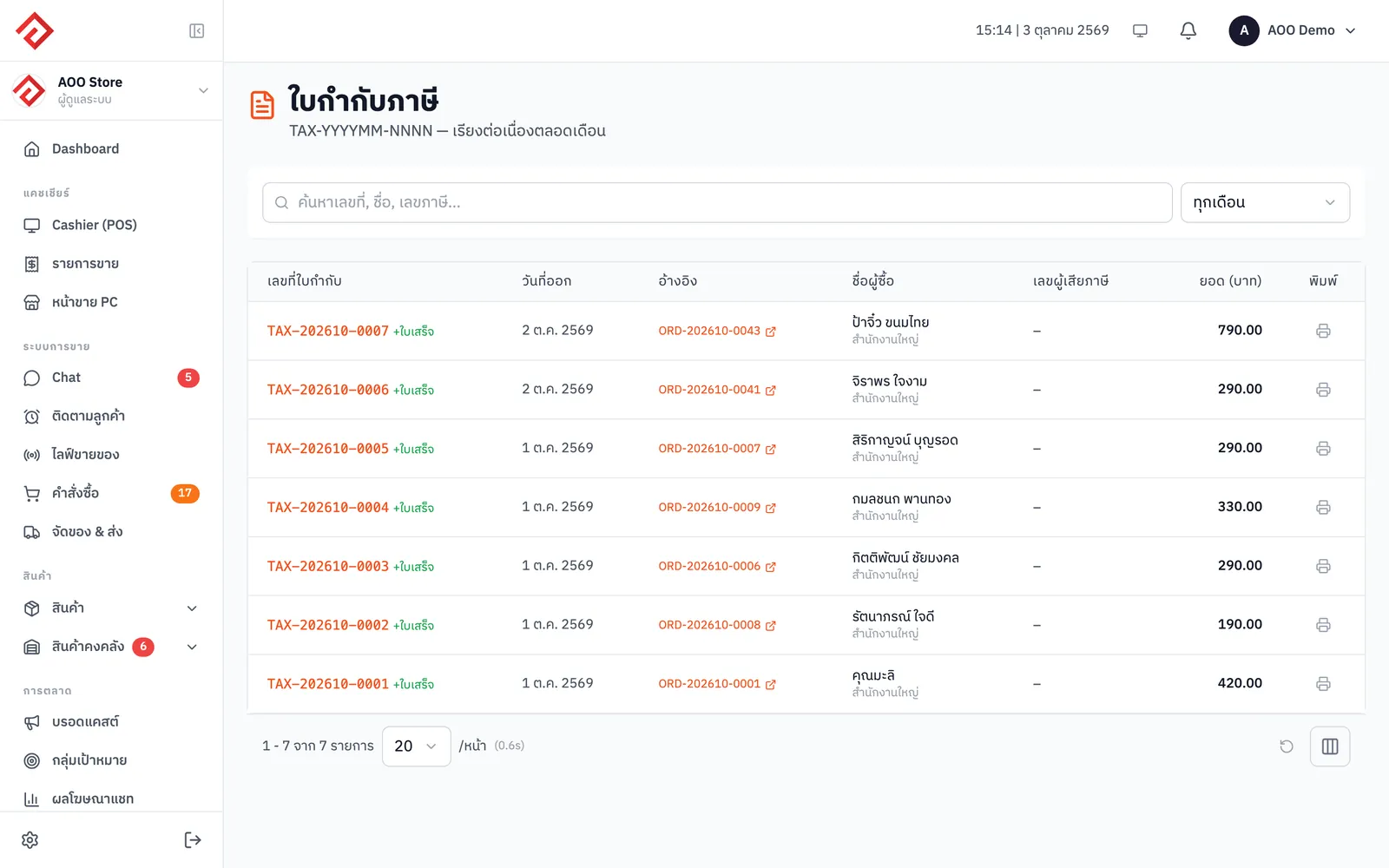
Receipts & Tax Invoices

Issue bills, receipts and tax invoices straight from any order.

  • Issue receipts and tax invoices from any order instantly
  • Abbreviated tax invoices · delivery notes · billing notes for credit customers (from Blacksmith)
  • Customer details are pulled from the order, no retyping
More about Receipts & Tax Invoices
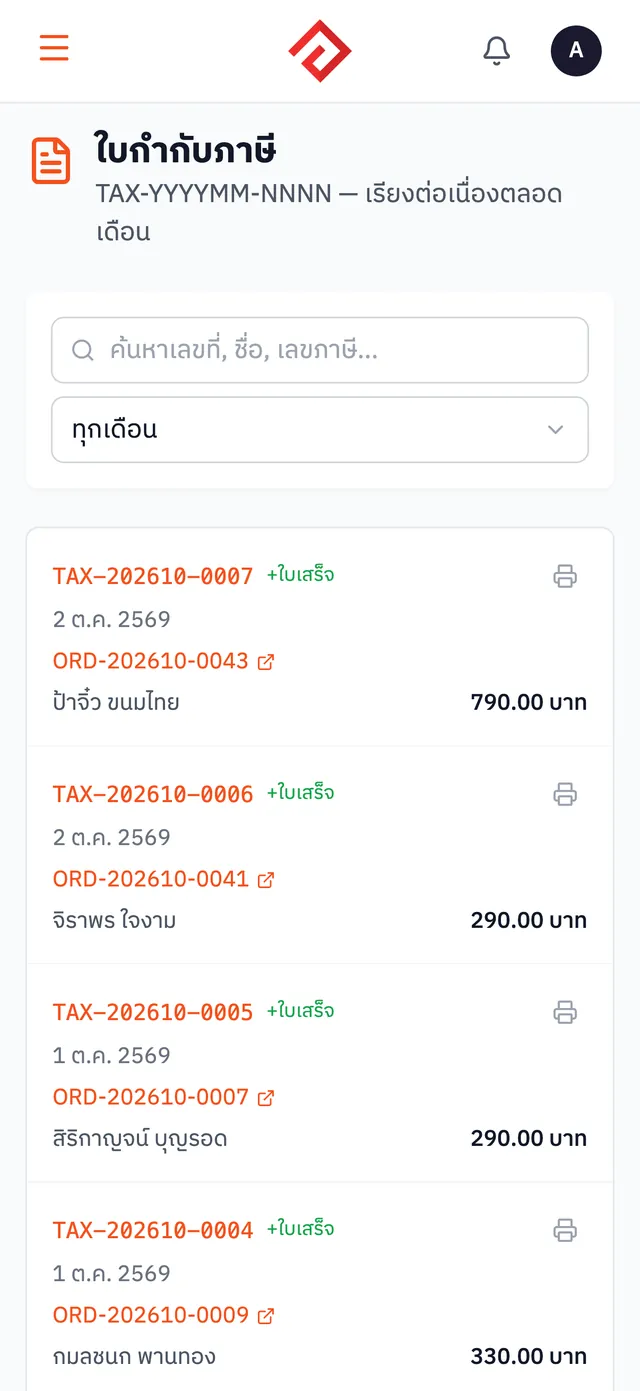
AooCommerce's tax invoice page
From the Merchant plan

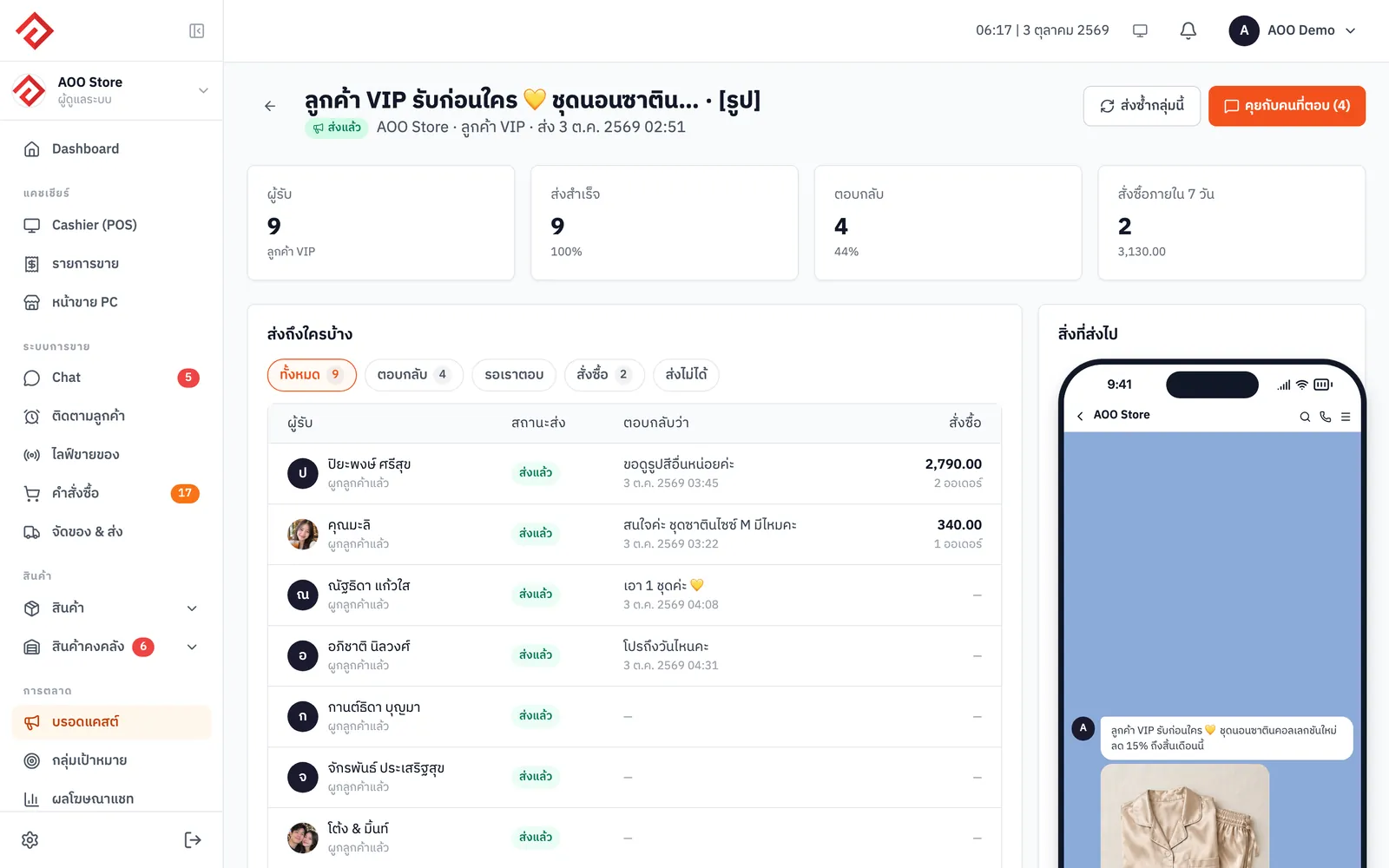
LINE OA · Messenger Broadcast

Send promotions to past customers by tag or customer tier via LINE OA and Facebook Messenger.

  • Message customers via LINE OA and Facebook Messenger, one segment at a time
  • Choose segments by tag, customer tier or purchase history
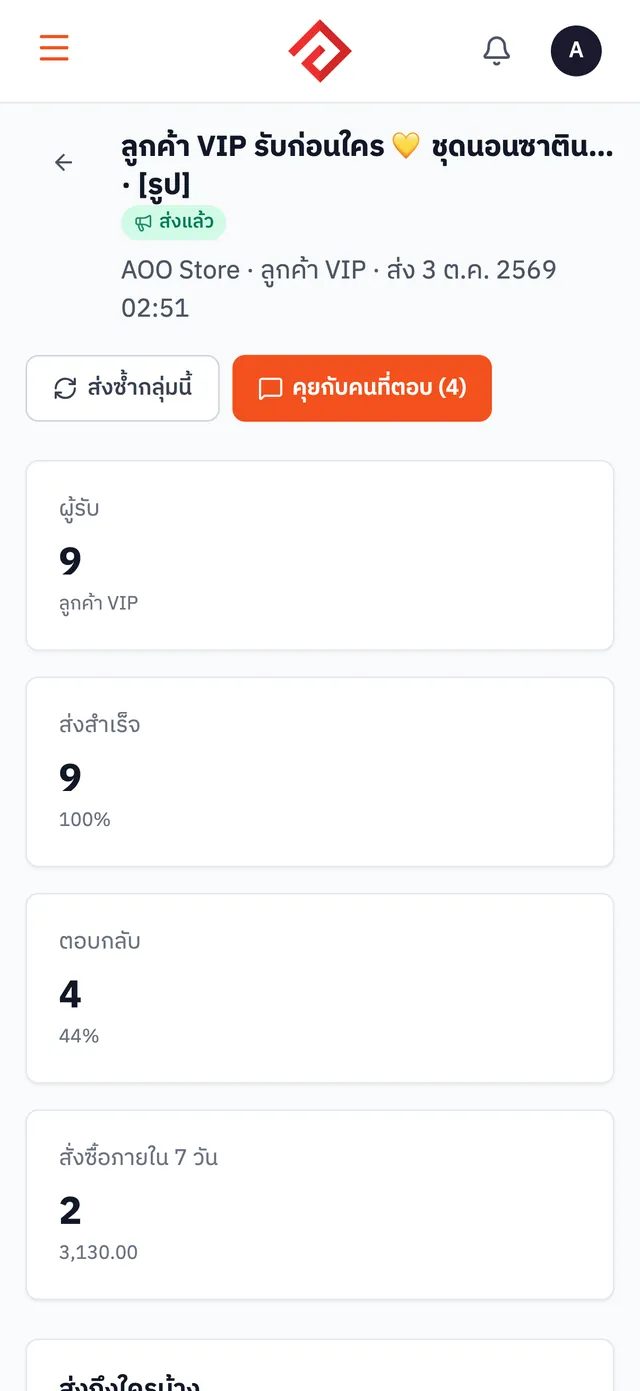
  • See real results: how many received it, how many replied, and how many bought within 7 days
More about LINE OA · Messenger Broadcast
Broadcast results in AooCommerce: delivered, replied and purchased within 7 days
Free on every plan

VIP / At-Risk Customer Tiers

Customers are tiered automatically by spend, so you can see right in the chat who's a VIP and who hasn't been back in a while.

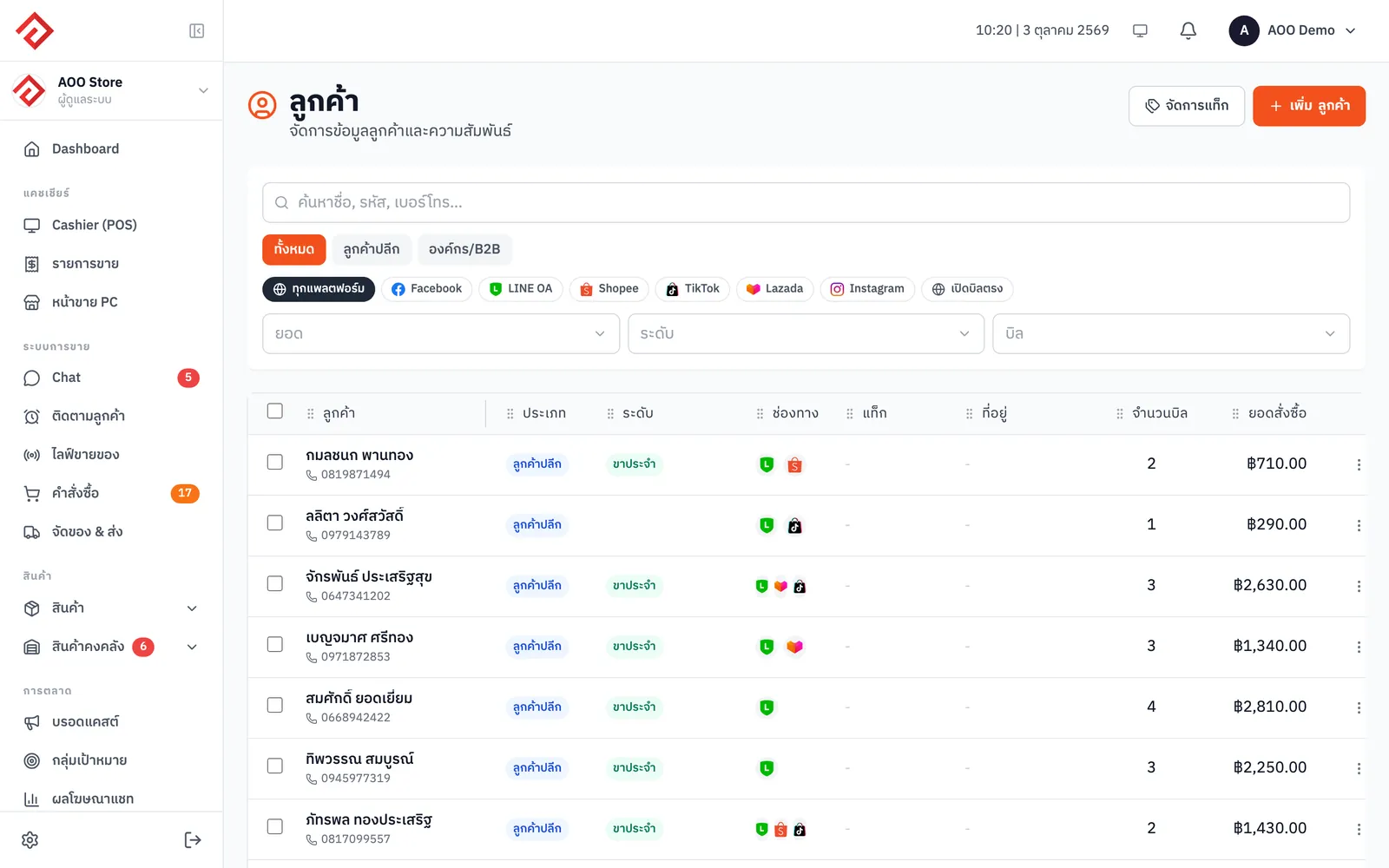
  • Customers are tiered automatically by total spend
  • See right in the chat who's a VIP and who hasn't been back in a while
  • Use tiers to pick broadcast segments right away (from Merchant)
More about VIP / At-Risk Customer Tiers
Customer list with customer tiers
From the Blacksmith plan

Audience Sync

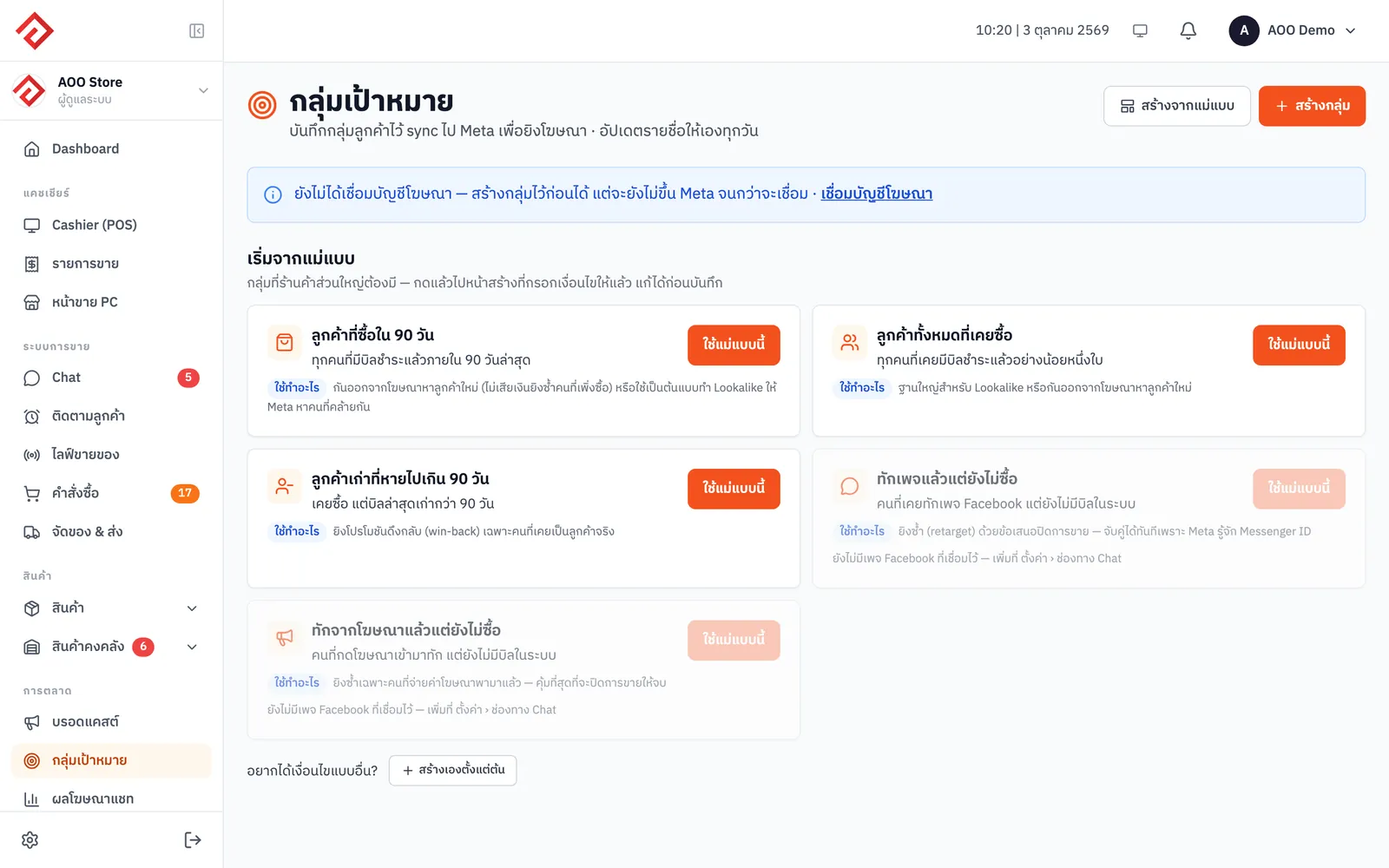
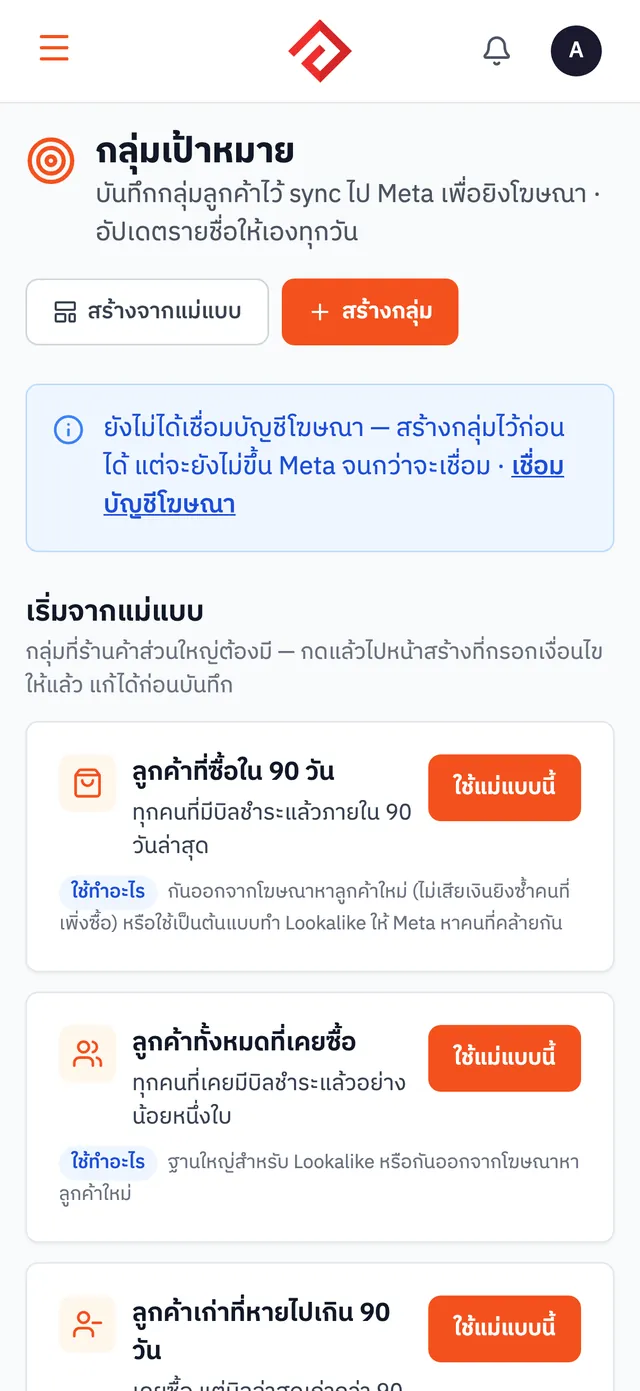
Push customer segments, such as never-purchased or VIP, to Facebook Custom Audiences and keep them updated automatically.

  • Build customer segments such as never purchased, repeat buyers or VIP
  • Push them to Facebook Custom Audiences, updated automatically
  • Use them to target the right people with ads, or exclude people who already bought
More about Audience Sync
AooCommerce's audiences page
From the Merchant plan

Conversion Tracking

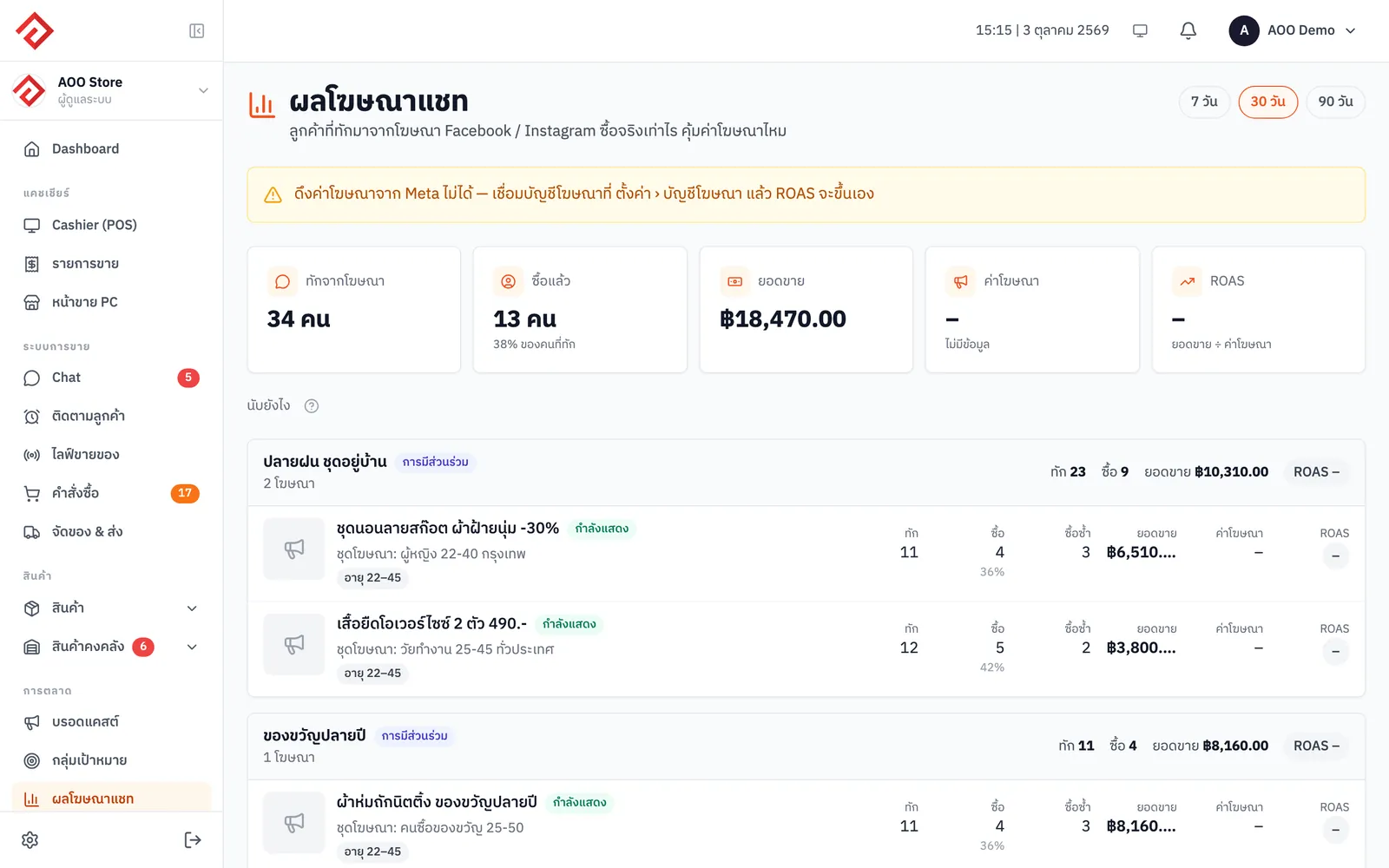
Send real sales back to Facebook (Conversions API) so your chat ads learn who actually buys and target more precisely.

  • Send real sales back to Facebook through the Conversions API
  • Your chat ads learn who actually buys, not just who messages
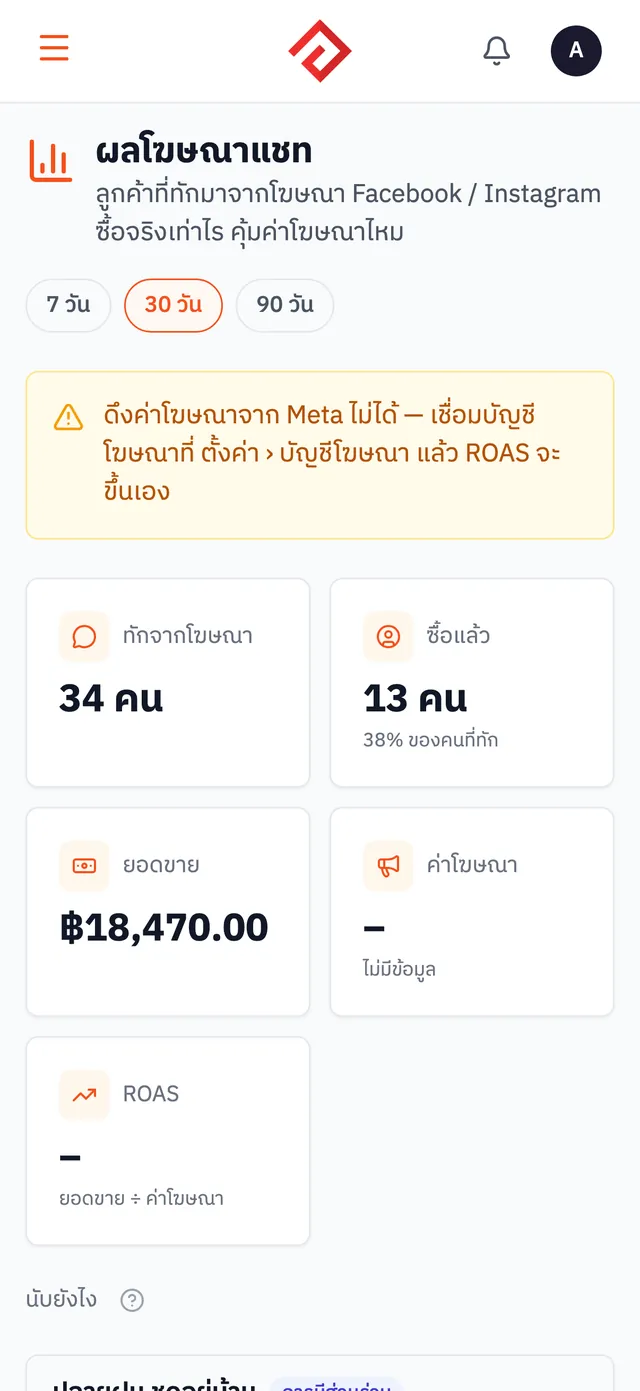
  • See chat ad results: how many messaged, how many bought, how much they spent
More about Conversion Tracking
Chat ad results page: messages from ads, purchases and sales

Your whole back office, free to start

Sign up today and get a free 1-month trial of Whitesmith with every feature. No credit card needed; choose a plan later.